WhatsApp API6 min read
Taking Payments in WhatsApp: A Guide for European Businesses
Native WhatsApp payments aren't available in the EU yet — but payment links, deposits and order flows inside the chat work today. Here's how.
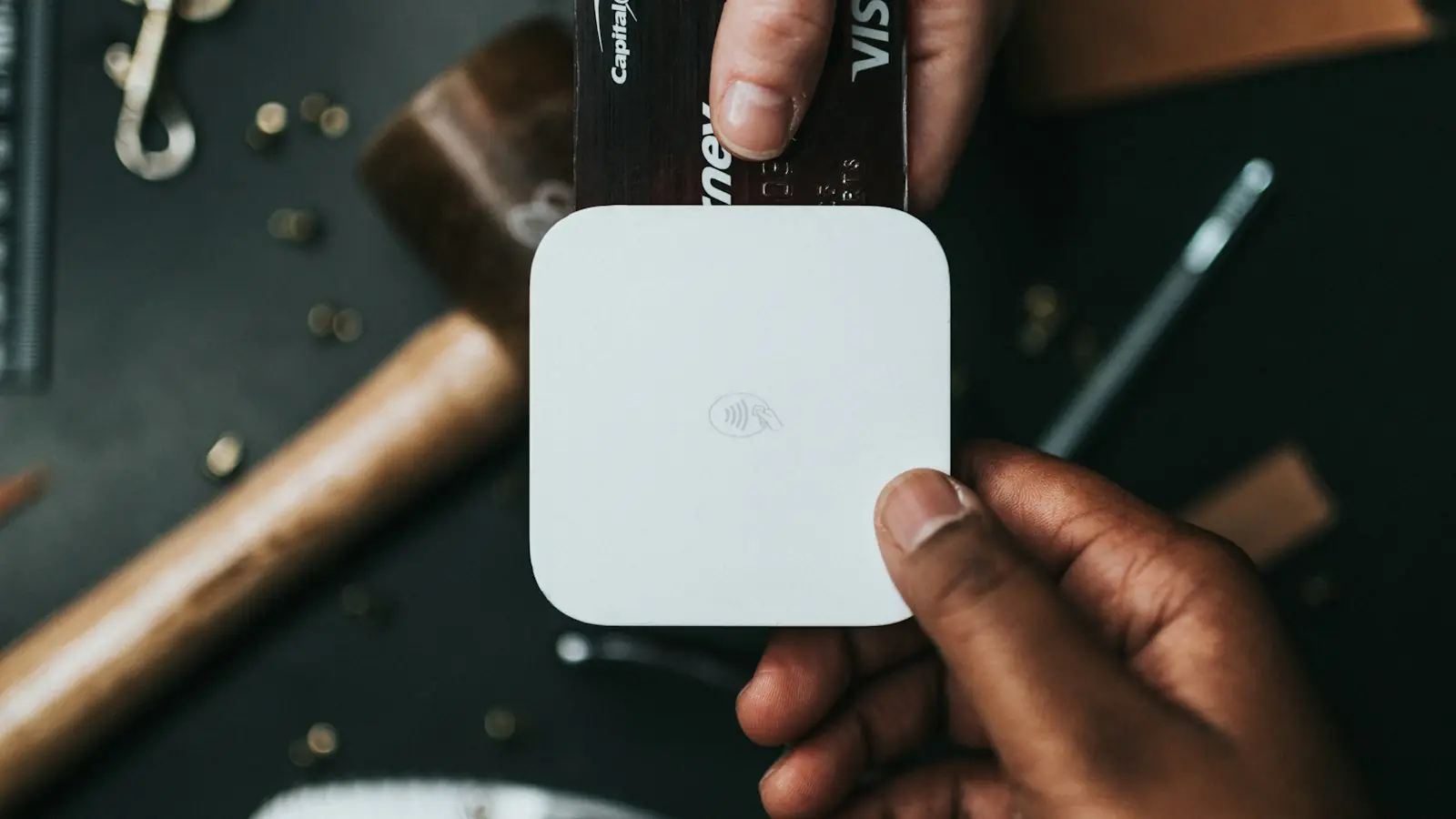
Customers increasingly want to finish what they started in the chat — including paying. Meta offers native in-chat payments only in a few markets, such as India and Brazil. European businesses can still build a smooth checkout inside WhatsApp, using the payment provider they already trust.
How payments in the chat work
- The customer chooses a product, booking or service in the conversation.
- Your chatbot or agent creates a secure payment link with your payment provider — Stripe, Mollie, Adyen, PayPal or similar.
- The customer pays in the browser with their preferred method: card, PayPal, Klarna, SEPA, Apple Pay or Google Pay.
- A webhook confirms the payment and the chat sends a receipt or booking confirmation automatically.
Where it works best
- Deposits for bookings — travel, hotels, events, workshops.
- Orders placed conversationally, for example in food delivery or local retail.
- Invoices and payment reminders for services.
- Recovering abandoned carts with a direct link to complete payment.
Security and compliance
- Never ask for card details in the chat. The payment page of a regulated provider handles that, including strong customer authentication (PSD2).
- Use short-lived, single-use links tied to an order ID.
- Confirm payments via webhook, not via screenshots from customers.
- Mention the amount, merchant name and what the payment is for in the message.
The best checkout is the one that feels like the next message in the conversation.
Getting started
Start with one flow — deposits or invoice reminders are ideal — connect your payment provider via API, and measure how many links get paid and how quickly. Most businesses then extend the same pattern to orders and renewals.